
Lovable AI is an AI-powered platform that turns simple ideas into fully functional web applications—without traditional coding. But unlike most AI website builders, Lovable doesn’t just generate static pages. It builds real, full-stack applications.
In this Lovable AI review, we’ll break down features, pricing, pros & cons, and how it compares to other AI app builders in 2026.
Lovable AI Review: What Makes It Different
1. What is Lovable AI?
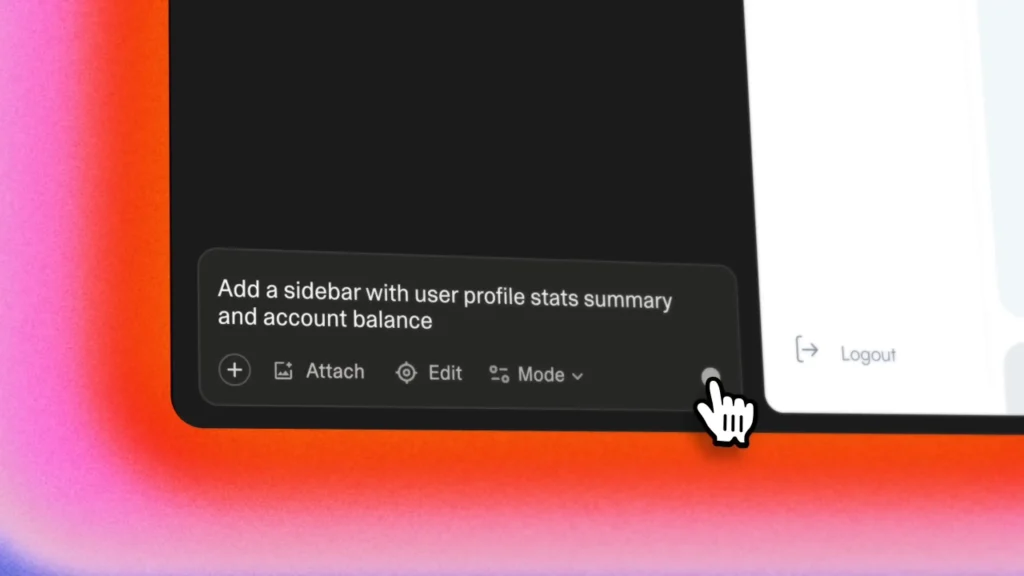
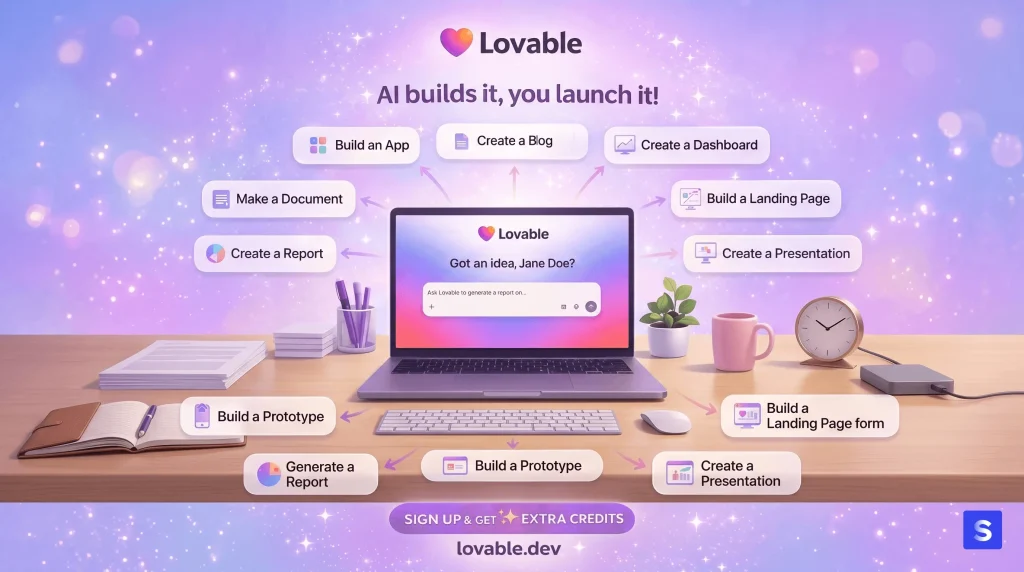
Lovable is an AI-driven development platform that allows you to build web apps using natural language.
Instead of writing code, you simply describe your idea, and Lovable generates a working application—including frontend, backend, and logic.
Example prompts:
- “Build a retro-style pet store website with checkout”
- “Create a personal portfolio with blog and contact form”
Within seconds, Lovable produces a usable project foundation.
How Lovable Works
Lovable combines multiple AI technologies:
- Large Language Models (LLMs) → Understand your intent
- Deep Learning → Learn from millions of real websites
- Generative AI → Create layouts, UI, and content automatically
2. What Makes Lovable Different (AI Full-Stack Builder)
Most AI builders stop at UI generation. Lovable goes further.
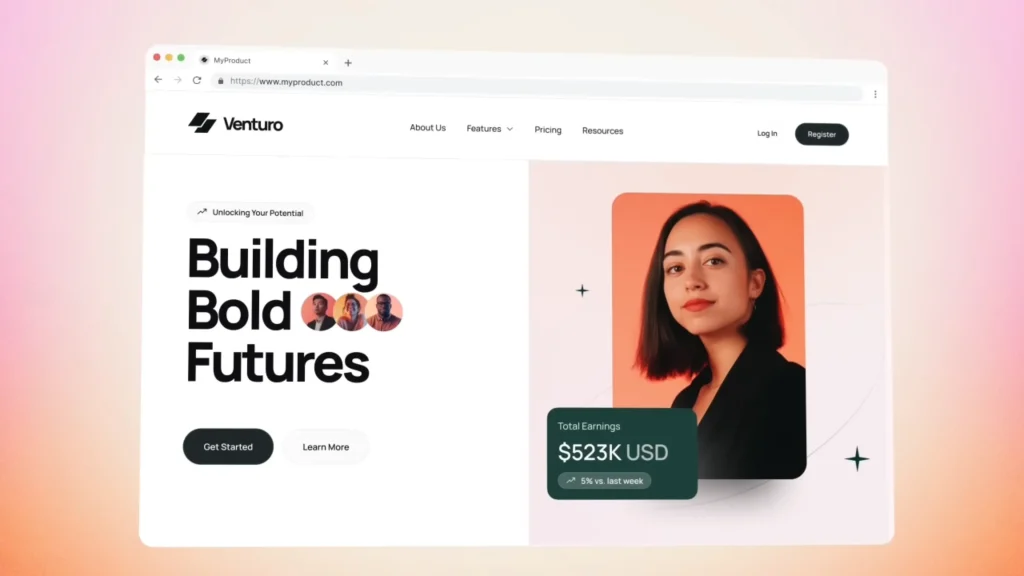
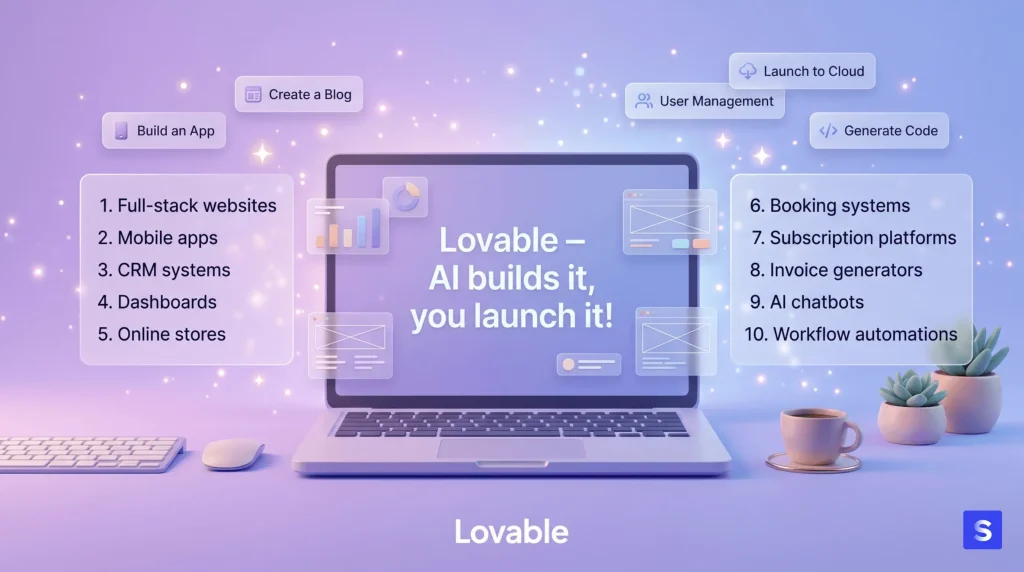
Lovable builds real applications, not just websites:
- Real databases via Supabase
- User authentication systems (email, Google, GitHub login)
- Payment processing via Stripe
- File uploads (images, documents)
- API integrations (connect external services)
👉 This makes Lovable closer to a modern development environment than a drag-and-drop builder.
3. Key Features of Lovable
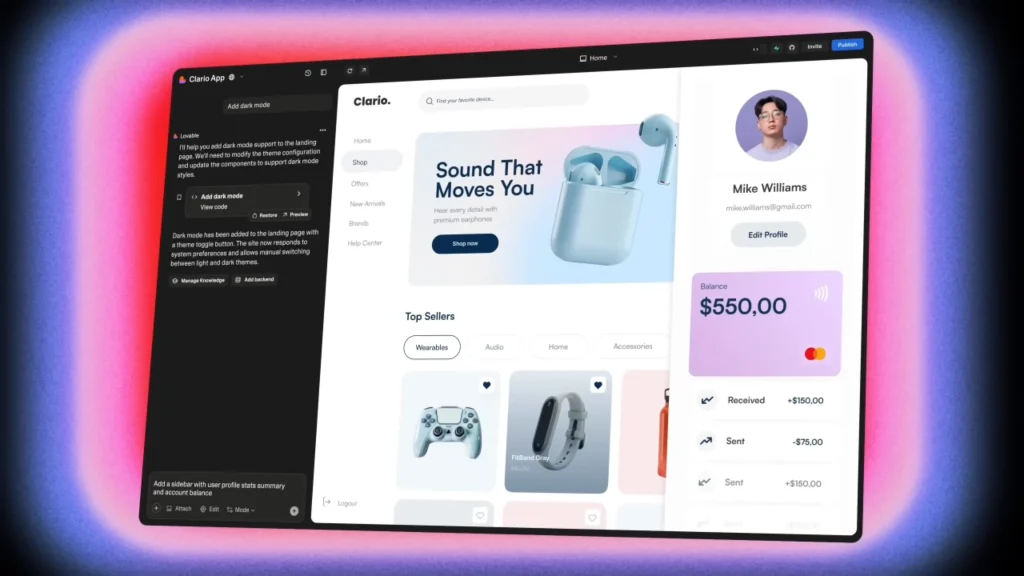
3.1 Natural Language Website Creation
- Describe your app in plain English
- Multi-language support
- Smart suggestions & prompt auto-complete
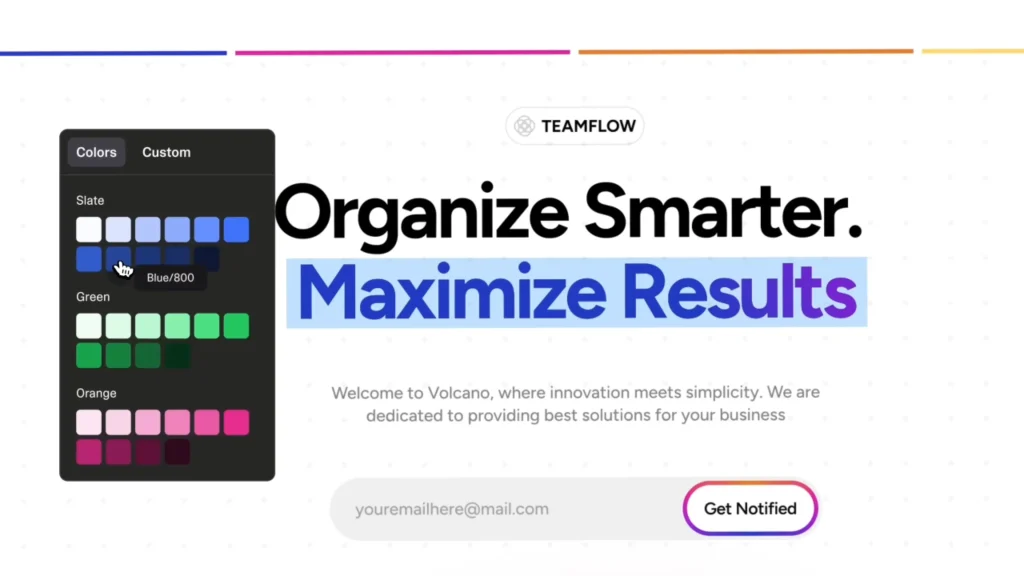
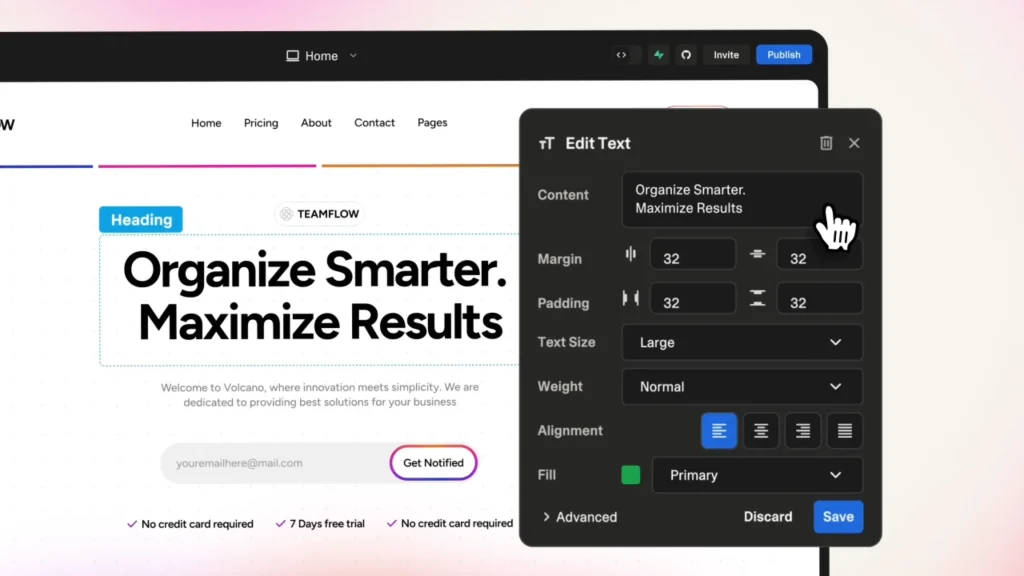
- Fully customizable UI (colors, layout, typography)
- Add forms, maps, videos, and integrations
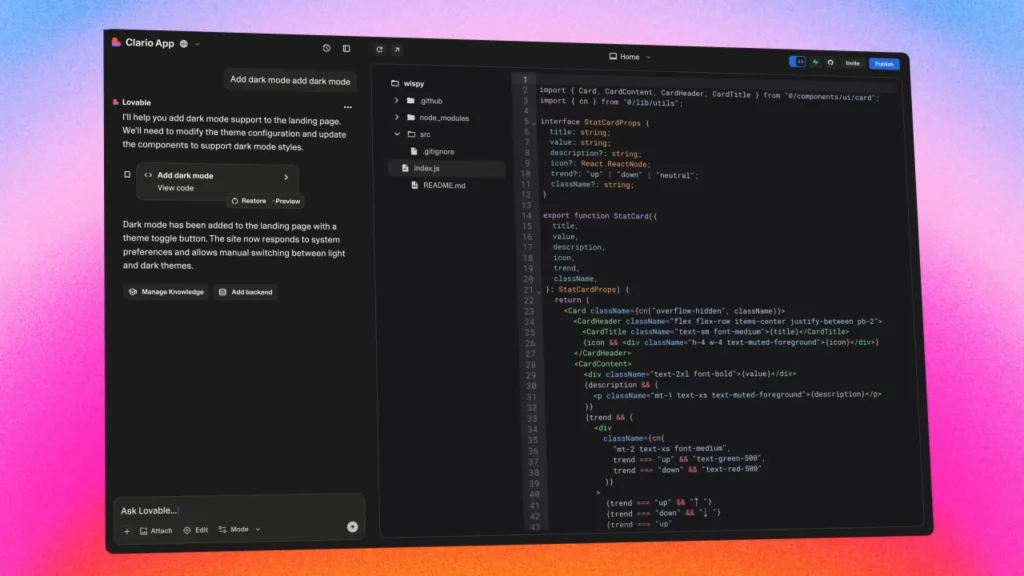
- Edit generated code for advanced control
3.2 Deployment & Integrations
- One-click deployment
- Export full source code
- GitHub sync for ownership and version control
- Integration with tools like Google Analytics and Mailchimp
- Advanced authentication via Clerk
4. Lovable Pricing (2026 Updated)
Plan
Price
Messages / Month
Best For
👉 Compared to hiring developers, this pricing is extremely cost-efficient for rapid prototyping.
5. Pros and Cons of Lovable
5.1 What Lovable Does Well
- Speed → Build in hours instead of weeks
- Full-stack capability → Backend + frontend included
- Supabase integration → Fast database setup
- Clean code output → React + TypeScript ready to scale
- One-click deploy → No DevOps required
- GitHub export → Full ownership of code
5.2 Where Lovable Falls Short
- Learning curve → Prompting takes practice
- Complex logic limitations → Multi-step workflows can break
- Web only → No native mobile apps (iOS/Android)
- Message limits → Heavy usage can get expensive
- Debugging issues → Fixing AI-generated bugs can be tricky
6. Lovable vs Competitors
Feature
Lovable
Bolt.new
Base44
V0
7. Who Should Use Lovable?
Lovable is ideal for:
- Startup founders validating ideas quickly
- Freelancers building client projects faster
- Product managers creating internal tools
- Learners exploring real app architecture
8. Lovable Alternatives
While Lovable AI is one of the most powerful AI app builders today, it’s not the only option. Depending on your goals, workflow, and level of control, other tools might be a better fit.
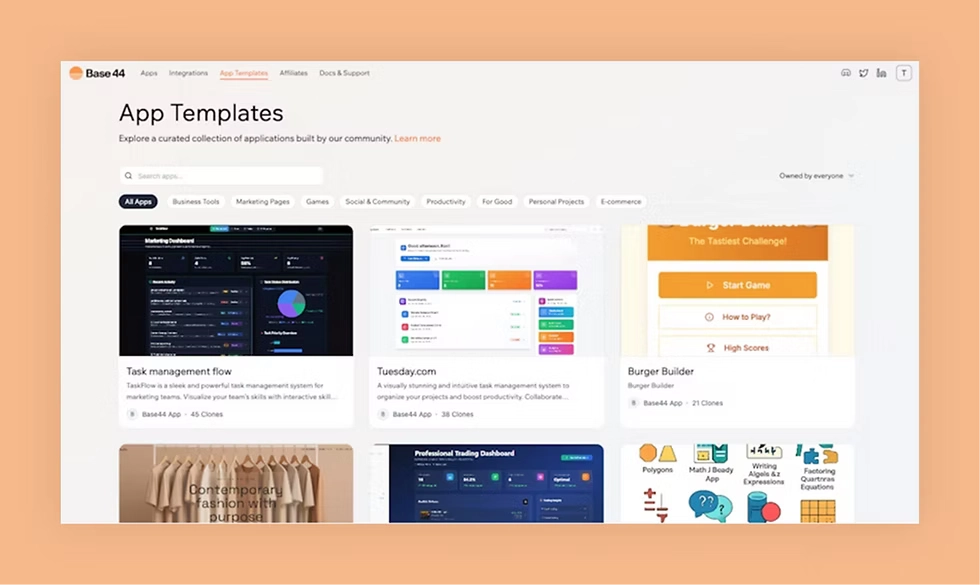
Base44 – Best for Simple Prototypes
Base44 is similar to Lovable in that it allows you to build app with AI using natural language prompts.
Best for:
- Quick prototypes
- Non-technical users
- Simple apps
Key advantage:
- Extremely easy to use
- Faster learning curve than Lovable
Limitation:
- Less powerful for complex, full-stack applications
👉 If Lovable feels too “advanced,” Base44 is a great starting point.
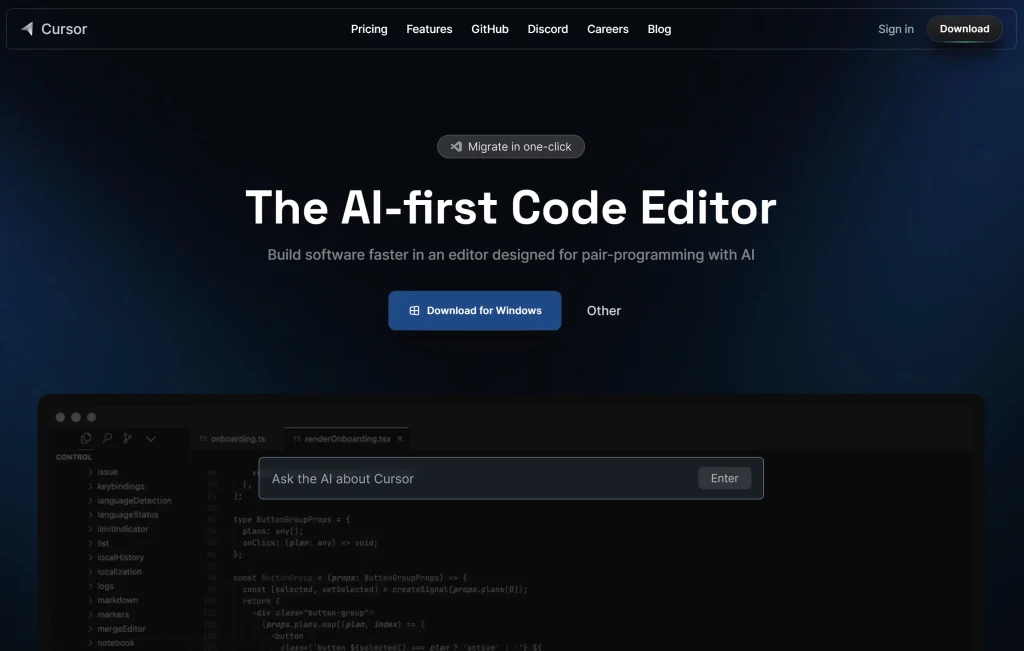
Cursor – Best for Developers Who Want Control
Cursor is not a full app generator like Lovable. Instead, it’s an AI-powered coding assistant built directly into a development environment.
Best for:
- Developers
- Custom logic-heavy projects
- Full control over code
Key advantage:
- Write and edit real code with AI assistance
- More flexible than prompt-only tools
- Limitation: Requires coding knowledge
👉 Cursor is ideal if you don’t want to rely entirely on AI-generated structure.
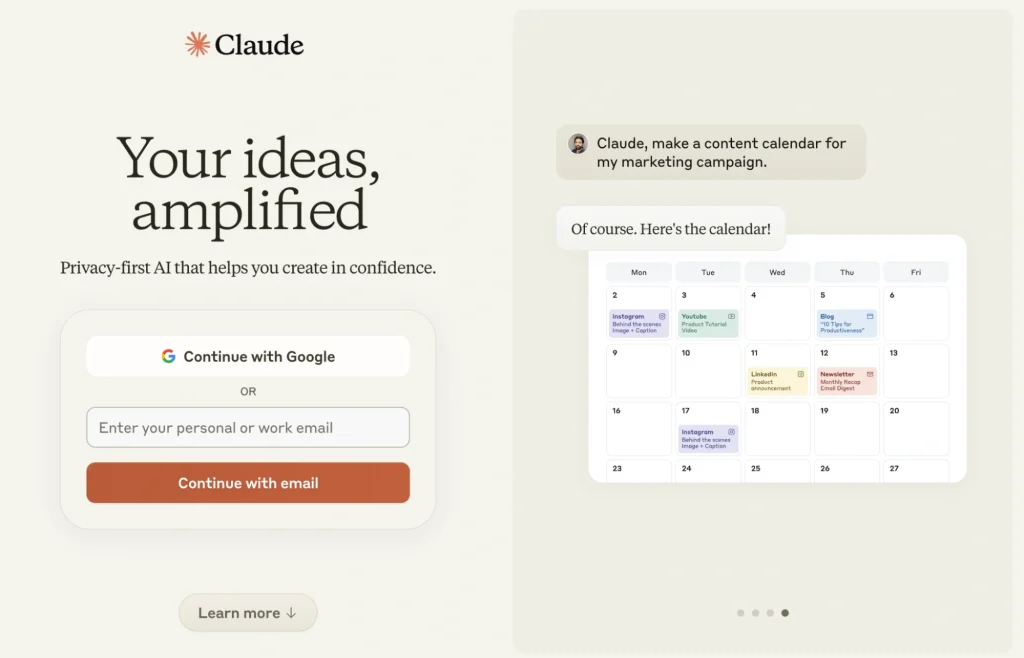
Claude – Best for AI-Assisted App Planning & Logic
Claude doesn’t generate full apps like Lovable, but it excels at thinking, structuring, and generating logic.
Best for:
- Planning app architecture
- Writing backend logic
- Generating APIs and workflows
Key advantage:
- Strong reasoning
- Handles complex systems very well
Limitations:
- No UI builder
- No deployment pipeline
👉 Many builders combine Claude + Lovable for best results.
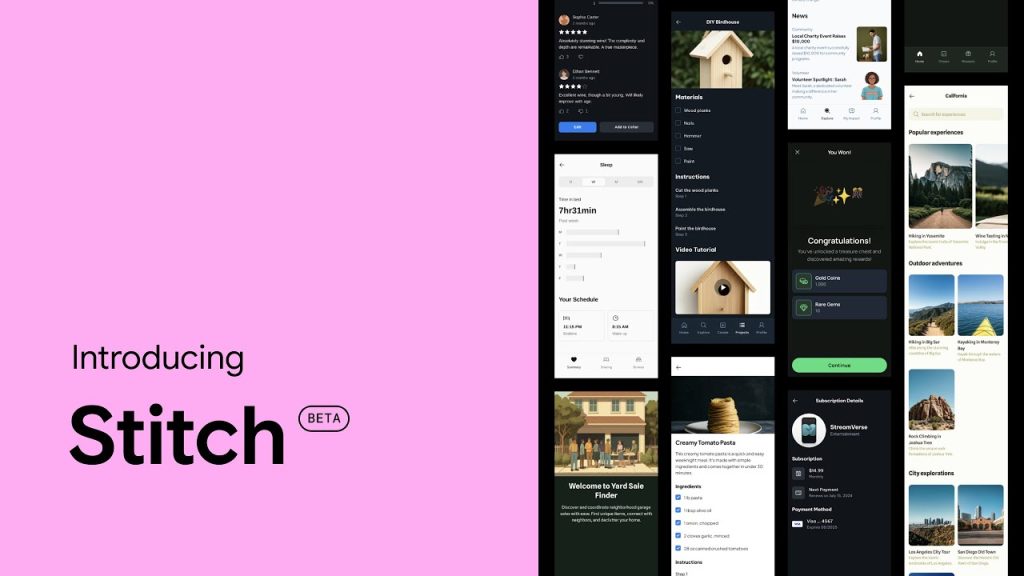
Stitch – Best for Fast UI & Landing Page Generation
Stitch focuses on generating clean, modern website layouts quickly—especially for landing pages and marketing sites.
Best for:
- Landing pages
- Marketing websites
- Rapid UI generation
Key advantage:
- Very fast design output
- Clean, modern UI (great for demos & visuals)
Limitations:
- Primarily frontend (no real backend logic)
- Not designed for full-stack applications
👉 If Lovable is “app-first”, Stitch is “design-first”.
Rork – Best for Native Mobile Apps
Lovable only builds web apps. If you need iOS or Android apps, Rork is a better choice.
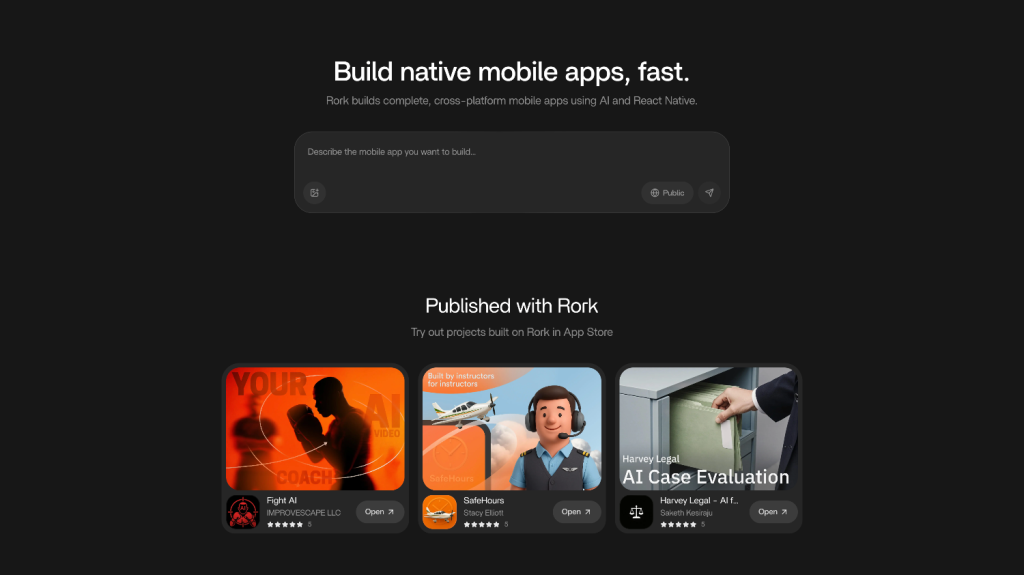
Best for:
- Native mobile apps
- Mobile-first products
Limitation:
- Not focused on web apps
Quick Comparison: When to Use What
- Use Lovable → Full-stack web apps
- Use Claude → Logic, planning, architecture
- Use Cursor → Full coding control
- Use Base44 → Simple apps & prototypes
- Use Stitch → UI, landing pages, visual demos
- Use Rork → Native mobile apps
All of them are totally suitable for no-code users.
9. Lovable in the AI Website Ecosystem
Lovable is part of a larger shift toward AI-driven workflows.
For example, in ecosystems like Softlite, the process looks like:
Inspiration → AI Generation → Conversion → Deployment
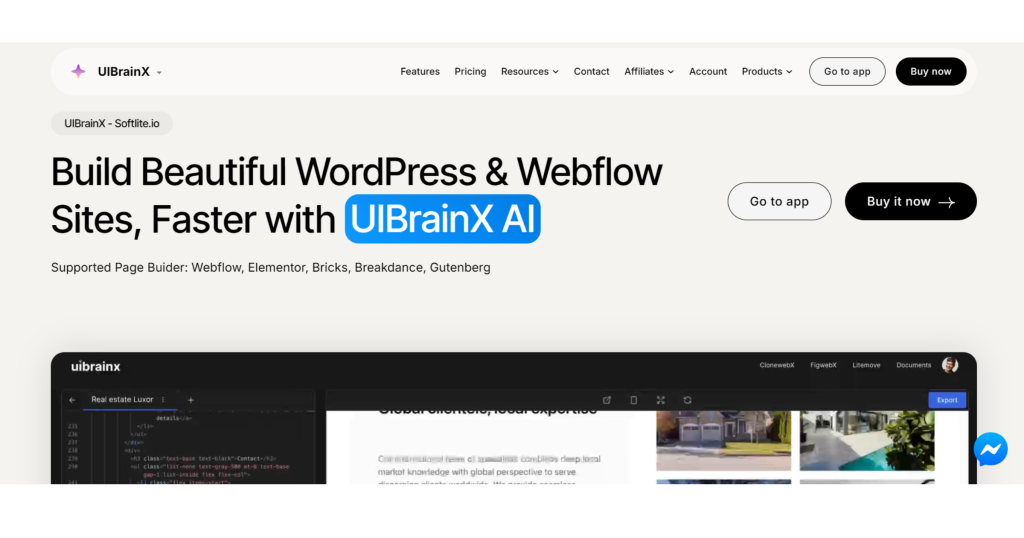
Tools like UIBrainX (inspired by Lovable) are expanding this model further.
10. From AI Generation to Real Production
Building with Lovable AI is just the first step.
Once your app or website is generated, the next challenge is turning that output into a production-ready website—especially if you’re working with platforms like WordPress or Webflow.
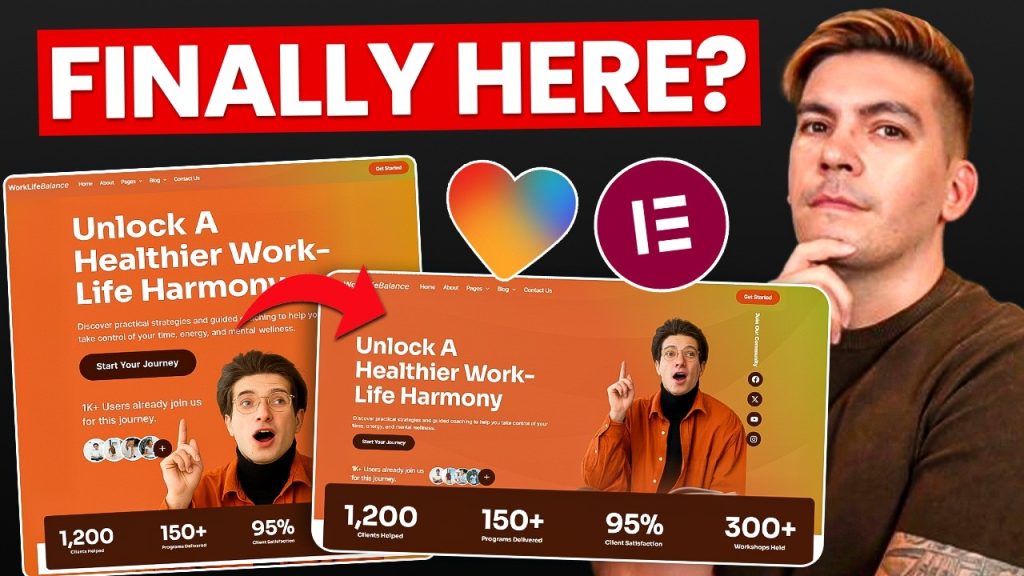
This is where tools like ClonewebX come into play.
Instead of rebuilding everything manually, you can:
- Convert AI-generated layouts into real page builders
- Export designs into tools like Elementor, Bricks, or Webflow
- Fully customize and optimize for performance, SEO, and scalability
👉 In other words:
Lovable helps you generate. ClonewebX helps you deploy at scale.
Real-World Workflow
A modern AI-powered workflow could look like this:
Idea → Lovable (generate app) → ClonewebX (convert layout) → Page Builder → Launch
This approach saves hours (or even days) of manual work and makes your production pipeline significantly faster.
Final Thought
AI tools like Lovable are changing how we build—but the real advantage comes from how you combine tools together.
If you can bridge the gap between:
- AI generation
- Real-world deployment
You’ll move faster than 90% of builders today.
Frequently questions & answers
1. Is Lovable AI suitable for beginners?
Yes. Lovable AI is beginner-friendly because it allows users to build applications using natural language instead of coding. However, learning how to write effective prompts may take some practice.
2. Can Lovable AI replace developers?
Not entirely. Lovable can significantly speed up development and handle many tasks automatically, but complex logic, debugging, and large-scale systems still require experienced developers.
3. Does Lovable support mobile app development?
No. Lovable currently focuses on web applications only. If you need native mobile apps (iOS or Android), you may need alternative platforms.
4. What technologies does Lovable use?
Lovable uses AI technologies such as Large Language Models (LLMs), generative AI, and integrates with services like Supabase for databases and Stripe for payments.
5. Is Lovable AI worth it in 2026?
Yes, especially for startups, freelancers, and builders who want to launch products quickly. It reduces development time from weeks to hours.